Swarovski Crystal Collection3.10.0
Publisher Description
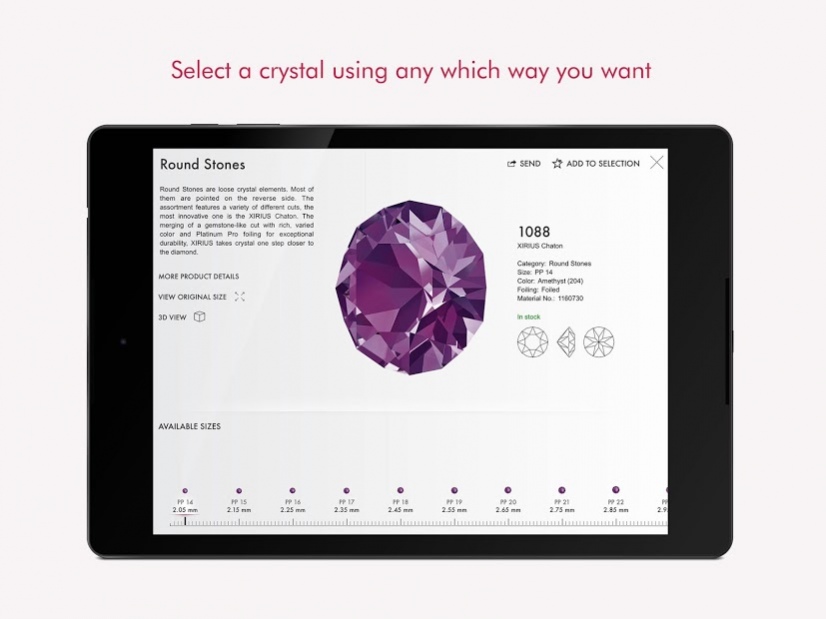

Designed for buyers, resellers and fashion designers, the Swarovski Crystal Collection App fires your creative imagination with instant access to the specific Swarovski crystals you’re looking for – there’s literally no easier way to choose and order. But remember, the data you will be accessing is huge, so use a WiFi connection and be patient. Once downloaded, you’ll never look back.
Amazingly user-friendly
The Crystal Collection App is super-quick and easy to use.
Accessible at a tap
Tap to access the entire product catalog instantly.
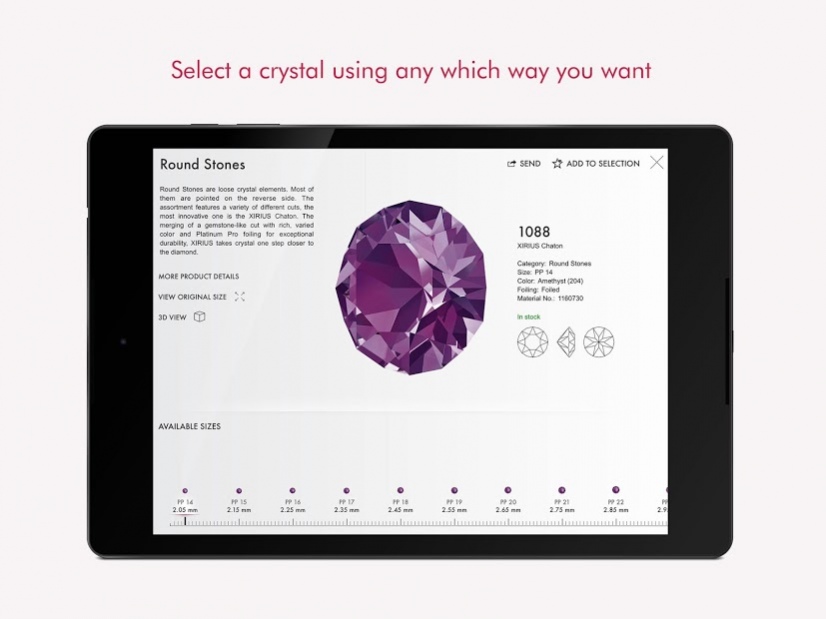
Select a crystal using any which way you want
Call up any individual crystal you like by size, color and cut
Arrange your crystals in groups
Drag and drop your choice of crystals into groups to get an idea of how they work together aesthetically.
Go straight to the product you want
‘Search’ and ‘Filter’ functions take you immediately to the exact product you’re looking for.
Find the newest seasonal additions
Search by season to find the latest innovations to the assortment - select by cut, color, and size, including the trend information behind the new season’s crystals.
About Swarovski Crystal Collection
The company that develops Swarovski Crystal Collection is SWAROVSKI AG. The latest version released by its developer is 3.10.0.
To install Swarovski Crystal Collection on your Android device, just click the green Continue To App button above to start the installation process. The app is listed on our website since 2019-02-13 and was downloaded 11 times. We have already checked if the download link is safe, however for your own protection we recommend that you scan the downloaded app with your antivirus. Your antivirus may detect the Swarovski Crystal Collection as malware as malware if the download link to com.swarovski.elements is broken.
How to install Swarovski Crystal Collection on your Android device:
- Click on the Continue To App button on our website. This will redirect you to Google Play.
- Once the Swarovski Crystal Collection is shown in the Google Play listing of your Android device, you can start its download and installation. Tap on the Install button located below the search bar and to the right of the app icon.
- A pop-up window with the permissions required by Swarovski Crystal Collection will be shown. Click on Accept to continue the process.
- Swarovski Crystal Collection will be downloaded onto your device, displaying a progress. Once the download completes, the installation will start and you'll get a notification after the installation is finished.
Program Details
System requirements
Download information
Pricing
Version History
version 3.10.0
posted on 2019-02-13
- It is now possible to log in to the app while a sync is running.
- Minor bug fixes and improvements
version 3.7.1
posted on 2017-07-14
• Fixed login issues
• Improved design for links and buttons
• Sizing removed from all variations
• Show variations includes now settings
• Various bug fixes
version 3.6.0
posted on 2016-12-20
• Products are no longer scaled in the product catalog view,• Colorgroups like BeCharmed are able to show more than five colors,• Various bug fixes
